
Your files, live
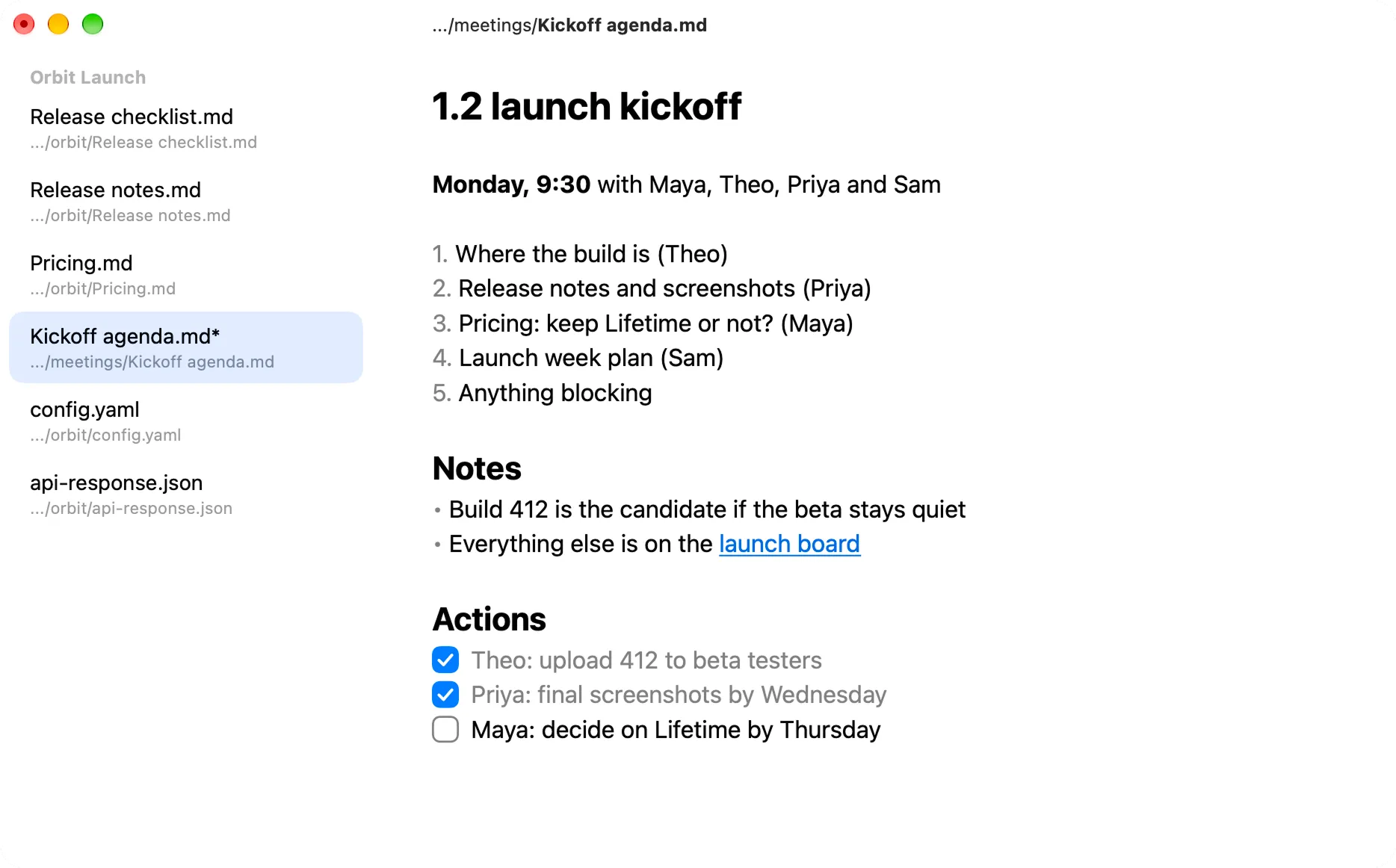
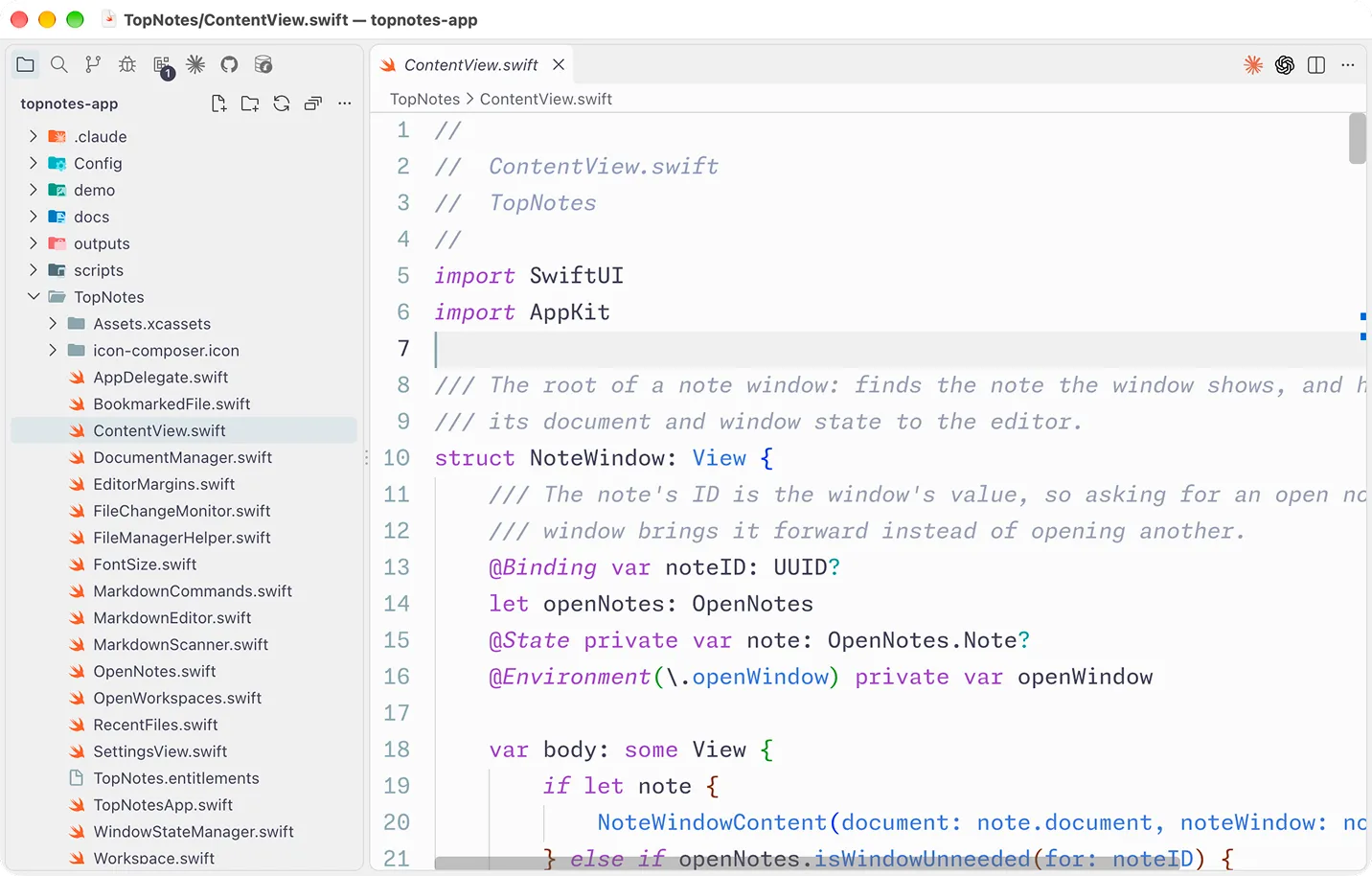
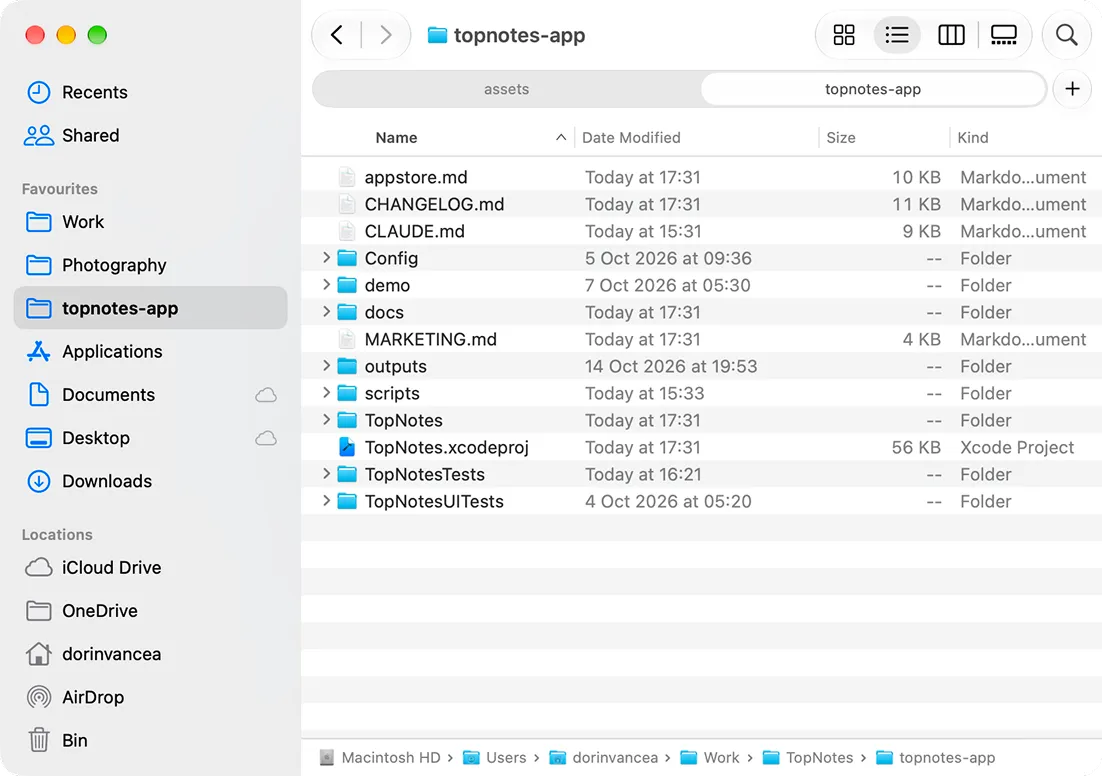
Edit any text file where it lives
Open Markdown, JSON, YAML or code from any folder. When another app changes the file, you see the change as it happens.
Workspaces
Files from any folder, in one window
Add files from anywhere on your Mac to one sidebar, without moving or copying them. Switch between them and your unsaved edits stay put.
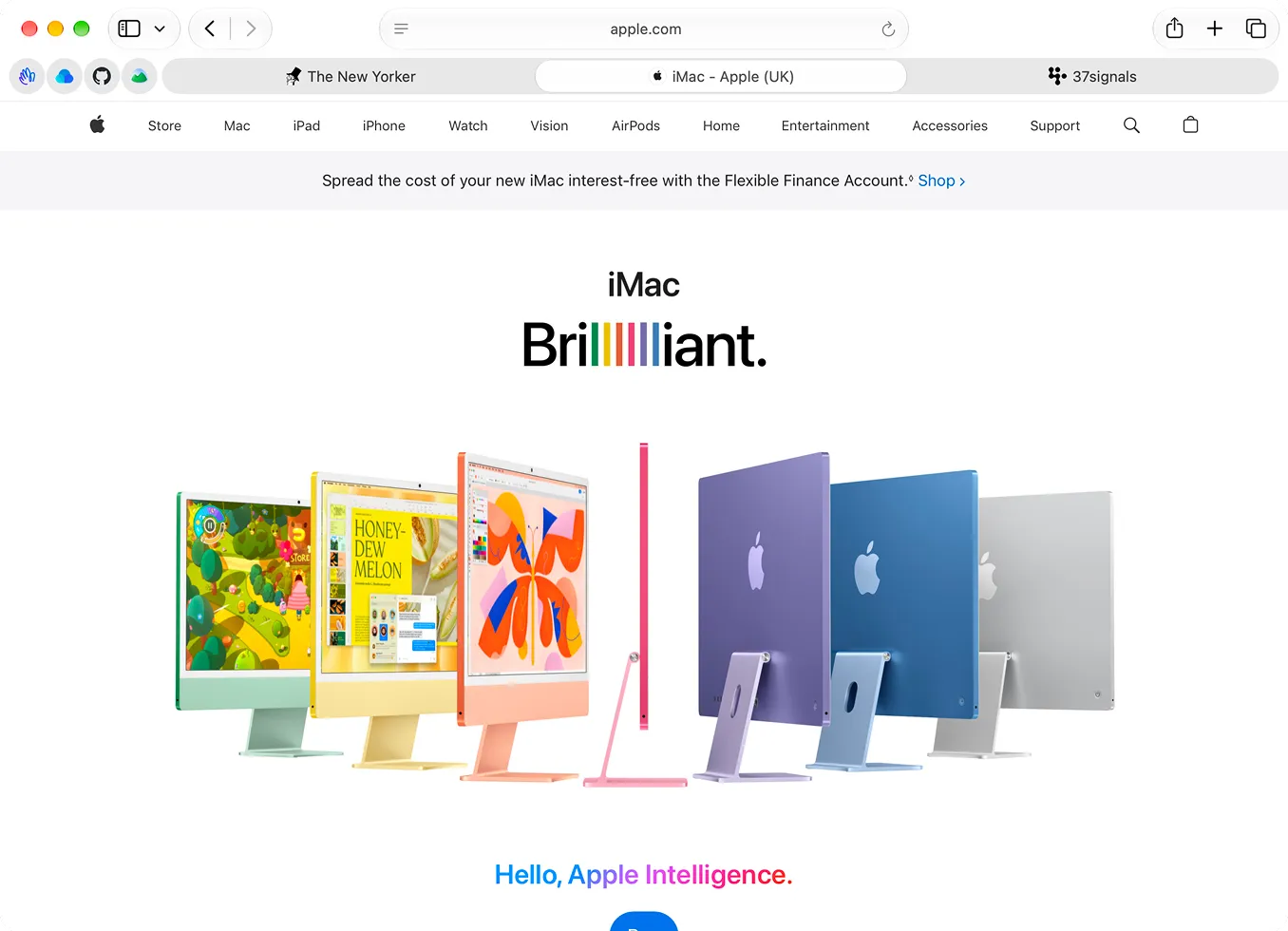
Always on top
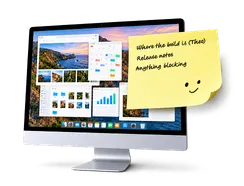
Keep the file you work from in sight
Any window can stay above your other apps, on every desktop. Turn it on or off for each window with ⇧⌘T.
Nothing lost
Pick up where you left off
Quit with unsaved edits and they're still there next time, along with every window where you left it.
Markdown, styled as you type
TopNotes formats Markdown as you write and hides markers like ** and # until your cursor reaches them. The file stays plain Markdown, and files that aren't Markdown stay plain text.
Format from the keyboard
The usual shortcuts work, plus ⌥⌘1 to ⌥⌘3 for headings. Each change is a single undo step.
Lists that keep going
Return continues a list or checklist, Tab nests it, and numbered lists renumber themselves.
Tables, code and quotes
GitHub-style tables, fenced code blocks, block quotes and horizontal rules, all available from the Format menu.
Links you can open
Web addresses turn into links. ⌘-click one to open it.
One text size for the app
Any size from 8 to 72 pt, with margins (Narrow, Normal or Wide) that scale with it.
Writing Tools in the editor
Proofread, rewrite or summarize with the system's Writing Tools, without leaving the file.
Your files, open beside your work
Open the files you already use, and keep them in sight.

Questions
Which version of macOS do I need?
TopNotes runs on macOS 26 or later.
What kinds of files does TopNotes open?
Any text file: Markdown, plain text, JSON, YAML, code, config files and logs. Markdown is formatted as you type, and everything else stays plain text. TopNotes also opens files in older encodings such as Latin-1, and saves them back in the same encoding as long as the text still fits.
Where are my files stored?
Where they already are. TopNotes opens each file in place, with no library to import it into, so any other app can open the same file.
What happens if another app edits a file?
TopNotes picks up the change, even one made while TopNotes was closed. If it clashes with edits you haven't saved, you choose which version to keep. Rename or move the file in Finder and TopNotes follows it.
Is TopNotes a native Mac app?
Yes. It's built with SwiftUI and AppKit, and the editor runs on TextKit 2 rather than a web view. The app is sandboxed, so it only reaches the files and folders you open or give it access to.